

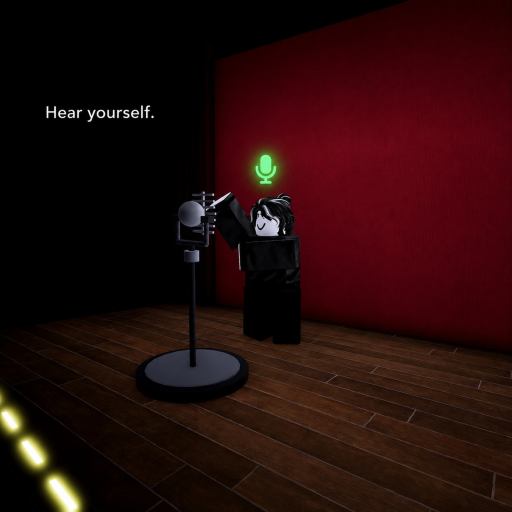
Mic test
Tracked since by grinchfaygo
Concurrent players
Metrics over time
About & history
Test your microphone or soundboard and hear exactly how you sound in Roblox. Make sure Voice Chat is enabled before joining. Headphones are recommended for the best experience and to prevent feedback. Walk up to the microphone, speak, adjust your playback volume, and use the delay setting to hear yourself up to 5 seconds later. Made for simple and private microphone testing. Tags Mic, Microphone, Mic Test, Voice Chat, VC, Voice Chat Test, Hear Yourself, Test Your Mic, Soundboard, Soundboard Test, Audio Test, Voice Test, Roblox VC, VC Mic, Microphone Test, Audio, Sound, Headphones, Delay, Voice Delay, Playback, Mic Check, Voice Check, Test Audio, Private Server, Single Player, Communication, Voice, Talk, Speaking, Recording Test, Sound Test, VC Test, Hear Your Voice, Roblox Voice Chat