
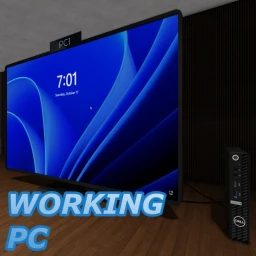
Control a working Windows PC
Tracked since by JonasTheCoderX
Nobody is playing Control a working Windows PC on Roblox right now. Its all-time peak is 1 players, reached on . It has been visited 1.6K times.
Concurrent players
Metrics over time
About & history
Control a real, working Windows PC! This game now has a whitelist. To request access, ask for permission on our Discord server. We only give access to people we can trust. People who previously bought this game have been added to whitelist automatically. Notice: PCs are hosted in Germany, so lag may be high outside Europe. For best results, play from Europe on a European Roblox server. How to play: - Join the queue on the right to get a PC. If both are occupied, wait. Timers show remaining session time. Controls: - Click the display to control the mouse. - Type using the keyboard under "PC Controls" in the Roblox topbar (visible during session). - Right-click keyboard keys to hold them. Windows accounts: - RobloxGuest: Temporary; everything will reset when you logout. - Your own profile: Log in via "Other user" if you have a Windows account created. - Create profile: Open PC Controls during a session, select "Create Windows Profile" and follow the instructions. Have fun!