

Roblox WhiteBoard 2 [Beta]
Tracked since by othersifni
Concurrent players
Metrics over time
About & history
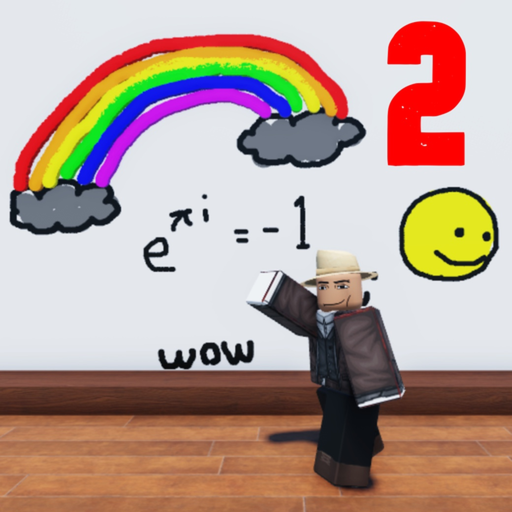
Hi everyone, About a year ago I made a drawing tool on roblox. It had limited functionality, and would break pretty often. I wanted to improve on that idea, so I remade the tool from scratch and added in some extra stuff. This updated version includes an undo button, brush size option, brush color option, and layering, as well as cross platform compatibility. Instructions: There are three whiteboards in separate rooms connected to the lobby. If the whiteboard is not occupied, walk up to it and click on it. To draw, press the pencil icon on your right. To erase, press the eraser icon below the pencil icon. To undo your previous action, press the arrow icon below the eraser icon. To change the color of your brush, input the RGB value of the color you want in the three input spaces at the top. To change the size of your brush, input the size value (1-60) in the box on the lower left. To change the layer you are working in, input the layer value in the box on the lower right.