🎶 Music Maker
Tracked since by Elnor21
Concurrent players
Metrics over time
About & history
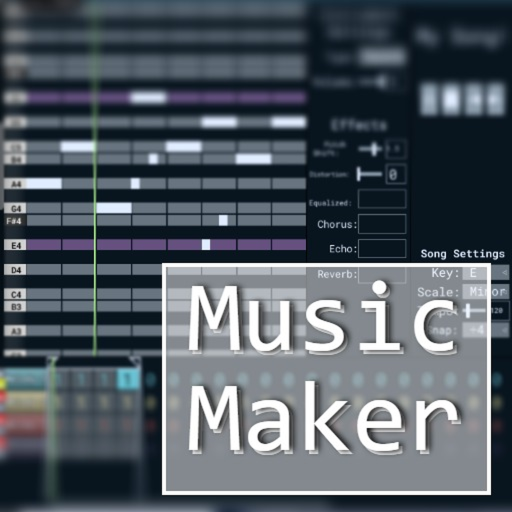
v0.1 A basic music creation tool for Roblox. Based on BeepBox and Online Sequencer. How to use: - Melody Patterns Use left click to place down notes, you can drag them around and resize them. Use right click to remove notes. - Drum Patterns Use left click to add or remove a step. You can set the amount of steps per beat. - Instruments Each channel holds instruments. You can edit the settings for an instrument, and add effects. Select the "Custom" instrument to use your own samples. - Arrangements Select a cell and use the arrows to select the pattern used for that cell. The same pattern can be used multiple times in the song. - Looping Use the two vertical lines in the arrangement to set the looping region of the song. *Note on editing the song while playing: Any changes made to a bar will take effect the next time the bar is played, not while it is currently playing.