Sign Pixel Art
Tracked since by Reqiunt
Performance
Profile
Concurrent players
Metrics over time
About & history
About
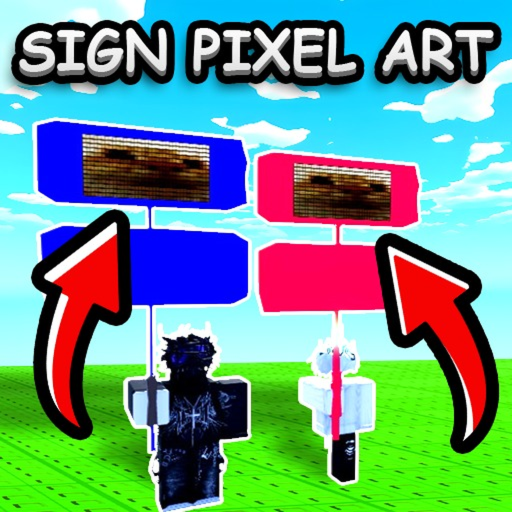
Simple game for PLS DONATE players who want to turn decals into sign pixel art. How to use: 1. Press Browse on the left. 2. Choose the image you want. 3. Adjust the width and height if needed. 4. Press Apply and check the result on your sign. 5. If you like it, press Copy. 6. Highlight the generated text, copy it, and save it somewhere if needed. 7. In PLS DONATE, edit your sign and paste the text. That’s it. A special thanks to PurpleDuck for showing this and how to do it.