

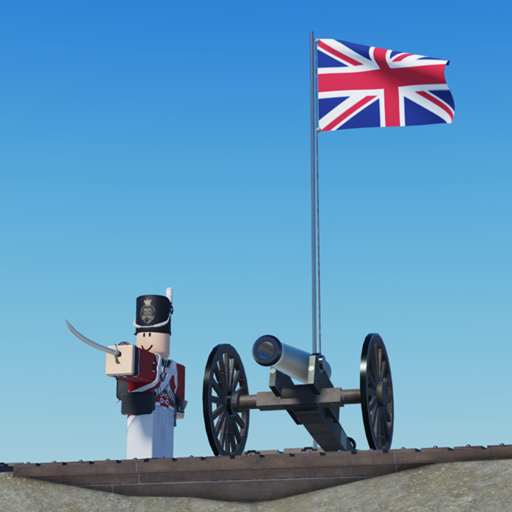
Napoleonic War Test
Tracked since by jimithesoldier
Concurrent players
Metrics over time
About & history
Controls for Guns Q - Cancel melee attack/block OR lean left (leaning for carbines, rifles and pistols only) E - Lean right (leaning for carbines, rifles and pistols only) G - Advance/Right Shoulder Shift Arms (can go to Present with F) H - Order Arms J - Port Arms (can go to Bayonets with X, or Present with F) K - Trail Arms L - Support Arms Z - Marching Speed (available only in shoulder arms) X - Melee (Musket and pistol only), or Stand Up (Rifles and carbines only when in Port Arms) C - Crouch (Rifles and carbines only can double tap C when in Port Arms to enter prone position) V - Salute Arms B - Fix/Unfix Bayonets (musket only) N - Slope Arms ==Cannon Controls== 1. Swab the cannon. 2. Take a round shot, canister or blank from the ammo box. 3. Click the barrel of the cannon to put it in. 4. Swab the cannon. 5. Click the knob to man the cannon. 6. Use W, A, S, D keys to control the cannon. C to aim. F to fire.